
May 20, 2026 | by Webber

Software as a Service (SaaS) has significantly transformed the way businesses operate by providing access to software applications over the internet. SaaS tools allow organizations to leverage sophisticated software without the need for extensive infrastructure investment. This model promotes flexibility, scalability, and cost-effectiveness, making it increasingly popular among various industries. However, as businesses adopt multiple SaaS solutions to meet diverse operational needs, the challenge of integrating these tools into a cohesive workflow becomes paramount.
Integrating different SaaS applications is critical for ensuring that data flows seamlessly across platforms. When multiple solutions operate in silos, it can lead to inefficiencies, data inconsistencies, and hindered collaboration among teams. The integration of SaaS tools enables organizations to automate processes, synchronize data in real-time, and enhance productivity by reducing manual input. Moreover, well-integrated tools can provide a holistic view of business operations, allowing management to make informed and timely decisions.
Despite the evident advantages, businesses often encounter challenges during the integration process. These can include issues related to compatibility between different systems, varied data formats, and the complexity of APIs that may require significant technical expertise. Moreover, some SaaS providers may not prioritize integration capabilities, further complicating the process. To overcome these hurdles, organizations need to adopt a strategic approach, employing middleware solutions or employing API integration platforms that facilitate smoother connectivity.
The benefits of effective SaaS integration are substantial, ranging from improved operational efficiency to enhanced customer experiences. As organizations seek to thrive in a competitive landscape, the ability to seamlessly connect their tools will play an integral role in their long-term success and adaptability.
In the rapidly evolving world of software as a service (SaaS), the ability to integrate tools efficiently is crucial for businesses seeking to streamline their operations and enhance productivity. Various types of integrations are available that can meet different business needs, each carrying distinct advantages and disadvantages. This section explores three primary categories of integrations: native integrations, third-party tools, and custom APIs.
Native integrations are built directly into the software application. These integrations are developed by the same company that created the SaaS tool. One of their key advantages is ease of use; they typically require little to no setup, enabling users to seamlessly connect different applications without extensive technical knowledge. However, the downside is that native integrations often have limited flexibility, restricting users to the specific features offered by the SaaS provider.
Third-party integration tools act as intermediaries, connecting multiple SaaS applications to allow data to flow between them. Platforms such as Zapier, Integromat, and Tray.io facilitate these connections without writing code, offering a broad range of potential integrations. The pros of using third-party tools include flexibility and the ability to connect diverse platforms. Nevertheless, they often involve additional costs and reliance on a third-party service, which can lead to potential data security concerns.
Custom APIs (Application Programming Interfaces) allow for tailored integrations that can fully cater to specific business requirements. Through custom API development, organizations can create unique connections between SaaS applications, enabling them to harness the full potential of their tech stack. The primary drawback of using custom APIs lies in their complexity, often requiring developer resources, and can lead to longer implementation times.
Understanding these integration types equips businesses with the knowledge needed to select the most suitable option for their operations, enhancing their ability to operate efficiently in the competitive SaaS landscape.
Zapier is a powerful automation tool that facilitates seamless integration between various Software as a Service (SaaS) applications. It acts as a bridge that connects disparate tools, allowing businesses to automate their workflows without needing extensive coding knowledge. By utilizing Zapier, organizations can enhance their productivity and reduce manual repetitive tasks. The platform operates on the principle of ‘Zaps,’ which are workflows that link different apps and trigger actions based on specified events.
At its core, Zapier offers a user-friendly interface that simplifies the setup process. Users can create Zaps by choosing a source application (the app that triggers an action) and a destination application (the app that performs an action). For example, a common use case might involve connecting a form application like Google Forms to an email platform like Gmail. Upon form submission, Zapier can automatically send a customized email, thereby streamlining communication and saving time.
One of the standout features of Zapier is its extensive library of integrations, which spans over 3,000 applications, including popular platforms like Slack, Trello, Mailchimp, and more. This extensive compatibility ensures that businesses can find the right tools to suit their needs, regardless of their specific industry. Additionally, Zapier allows users to set up multi-step Zaps, enabling complex workflows that can handle multiple actions across various applications in one automation.
In practical terms, businesses can leverage Zapier to automate processes such as lead management, customer onboarding, and data entry. For instance, when a new lead fills out a form on a website, a Zap can automatically add that lead to a CRM, send a welcome email, and notify the sales team via Slack. This transactional automation not only enhances operational efficiency but also minimizes the risk of human error, allowing teams to focus more on strategic tasks.
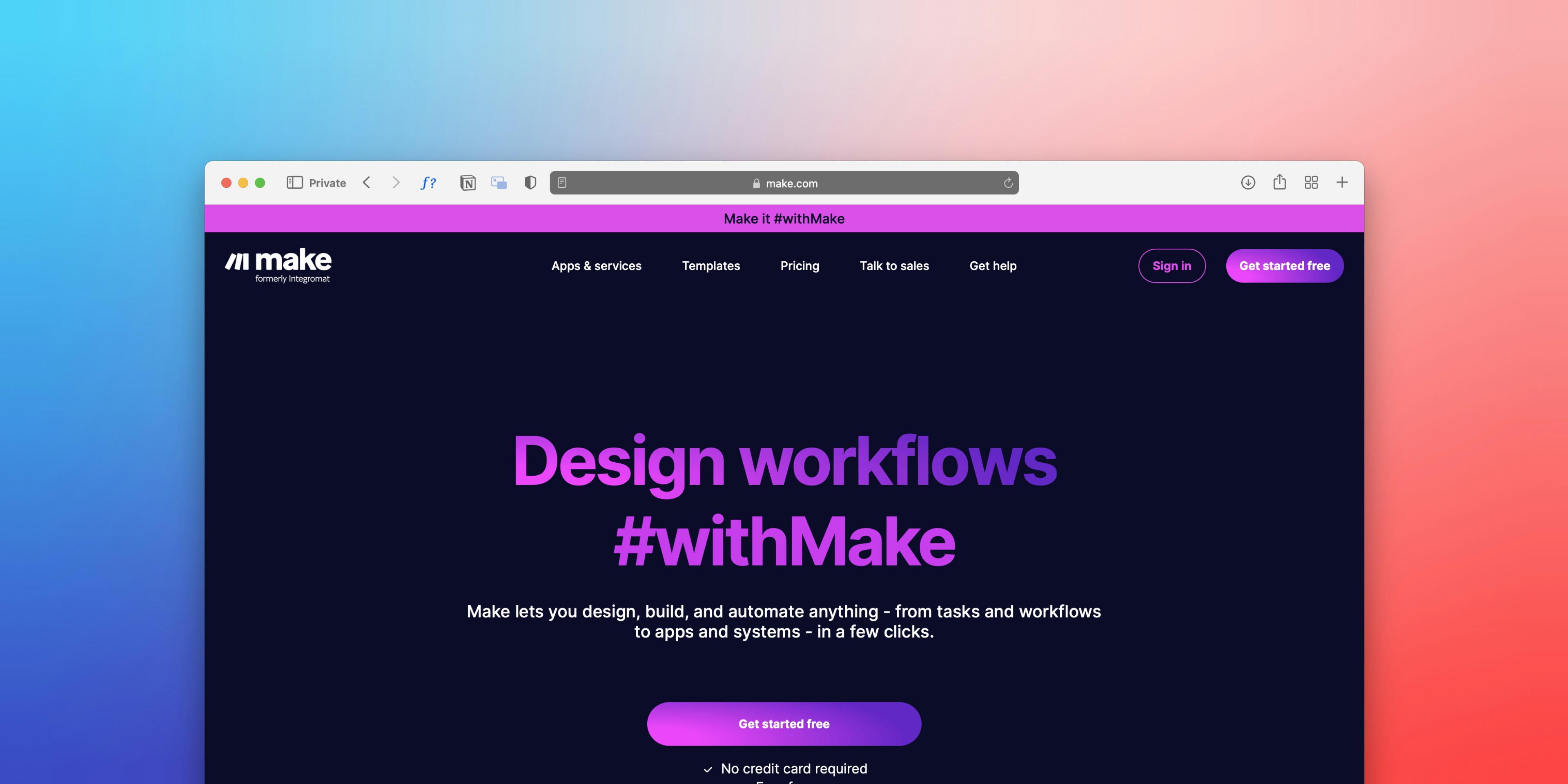
Make.com, previously known as Integromat, presents a robust alternative in the realm of seamless software as a service (SaaS) integration. It distinguishes itself from other automation platforms, such as Zapier, through its ability to handle complex workflows with advanced logic and operations. For users who require detailed task automation, Make.com provides an environment conducive to intricate scenarios where simple automation may fall short.
One of the standout features of Make.com is the visual scenario builder that allows users to design workflows graphically. This is particularly advantageous for users looking to create comprehensive integrations that involve multiple sets of data or interdependent steps. Unlike Zapier, which often limits users to linear workflows, Make.com enables the creation of branching operations. This capability allows for the configuration of elaborate scenarios where the flow can take different paths based on specific conditions.
For instance, consider a scenario where a company wishes to automate its marketing and customer relationship management (CRM) processes. Using Make.com, users can establish workflows that not only send data from a form submission directly into a CRM but also dispatch tailored follow-up emails depending on user responses. If a potential lead expresses interest in a particular service, the system can trigger a different set of emails or notifications, ensuring a more personalized approach.
Moreover, Make.com supports a wide range of applications, enabling integrations that span across numerous platforms. This extensive compatibility allows users to connect applications such as Google Sheets, Slack, and Gmail, creating a centralized operational ecosystem. The power of Make.com lies in its ability to encompass not just simple tasks but also sophisticated operations that require meticulous attention to detail, ultimately enhancing workflow efficiency and productivity.
In the ever-evolving landscape of Software as a Service (SaaS), one of the most efficient ways to enhance your workflow is by utilizing native integrations. Native integrations are built-in connections that allow different software applications to interact seamlessly, eliminating the need for third-party tools and complex configurations. By leveraging these features, businesses can save time and resources while improving overall productivity.
Many popular SaaS platforms offer robust native integrations. For example, tools like Zapier provide native integrations for various applications, allowing users to effortlessly sync data and automate tasks. Likewise, CRMs such as Salesforce and HubSpot have extensive native integrations with marketing platforms, helping to streamline lead generation and nurture workflows. By taking advantage of these native features, users can create a more cohesive ecosystem that minimizes disruptions and maximizes efficiency.
Finding native integrations is simpler than one might think. Most SaaS platforms prominently display their available integrations on their websites or within their software. Users can often explore integration options directly from the application’s settings or integration section. Additionally, vendor documentation typically includes detailed guides on how to enable and utilize these features effectively.
To leverage native integrations for improved workflow efficiency, consider the following tips: first, assess your current software landscape to identify which tools are best suited for integration. Next, prioritize aligning your workflows with the native features offered, as this alignment can simplify processes and reduce the chances of data silos. Lastly, regularly review the integration capabilities and updates from your software providers, as new native integrations can become available, further enhancing your operational efficiency.
In the ever-evolving landscape of cloud-based applications, understanding integration requirements is crucial for optimizing workflows and enhancing productivity. To begin assessing your integration needs, it is imperative to ask a series of targeted questions that will shed light on your current processes.
Start by evaluating your existing workflows. What tools are currently in use, and how do they interact with each other? Identifying overlapping functions or redundant tasks can help pinpoint areas where integration would yield significant improvements. Analyze the efficiency of data transfer between these applications; are you manually inputting data, or can information be seamlessly shared? This analysis is essential for uncovering productivity gaps that need attention.
Next, consider the specific goals you aim to achieve with integration. Are you seeking to reduce time spent on manual tasks, improve data accuracy, or enhance collaboration among teams? Having clear objectives will guide your decision-making process and help quantify the benefits of potential integrations.
Additionally, involve your team members in this discussion. They can offer valuable insights into daily challenges they encounter and suggest which applications would enhance their workflow. By gathering input from various departments, you can take a comprehensive view of your organizational needs.
As you refine your understanding of integration requirements, prioritize tools that align with your business objectives and fill identified gaps. Research potential integrations and evaluate their capabilities to ensure they meet your functional and technical needs. This thorough assessment will pave the way for a streamlined integration process, allowing your organization to capitalize on the full potential of your SaaS tools.
Integrating software applications can elevate a business’s operational efficiency and streamline workflows. This guide will walk you through the process of implementing integrations using two popular automation platforms: Zapier and Make.com. Each step will be presented with clarity to accommodate users of various technical backgrounds.
To initiate the integration process, begin by signing up for an account on Zapier or Make.com if you do not already have one. Both platforms offer user-friendly interfaces and are equipped with a variety of pre-built integrations to assist new users. After logging in, identify the applications you wish to connect. A common practice is to consider which repetitive tasks would benefit from automation, such as transferring data between tools.
Zapier Integration Steps:
Make.com Integration Steps:
By following these steps, users can successfully implement automation strategies using Zapier and Make.com while reducing manual effort and improving overall efficiency. These platforms empower businesses to focus on their core objectives rather than being bogged down by repetitive tasks.
Integrating Software as a Service (SaaS) tools can often present users with various challenges, ranging from data flow disruptions to connectivity problems. To efficiently address these common integration issues, understanding potential pitfalls and employing practical troubleshooting tips is essential.
One frequent challenge is data flow inaccuracies. This can occur when data formats between systems do not align, leading to conflicts. For example, if one application requires a date formatted as MM/DD/YYYY, while another uses DD/MM/YYYY, discrepancies may arise, causing integration failures. To resolve such issues, ensure that all applications adhere to a consistent data format. Utilizing data mapping tools can facilitate this process, enabling seamless data transition from one platform to another.
Another common issue involves task errors, which may lead to functionalities not operating as intended. This often stems from incorrect configurations or settings within the integrated applications. Regularly reviewing integration settings and verifying that user permissions are correctly set can help alleviate such errors. Additionally, checking application logs for error messages can provide valuable insights into specific problems, allowing users to pinpoint and rectify the source of the issue.
Connectivity challenges can also impact the integration process. These may arise due to network disruptions or server outages. To troubleshoot connectivity issues, confirm that servers are operational, and ensure that firewall settings are configured to allow data transfer between applications. If using APIs for integration, monitoring API performance and reviewing usage limits can help to identify connectivity issues in real-time.
By proactively applying these troubleshooting strategies, users can effectively navigate integration challenges, ensuring that their SaaS tools work harmoniously without significant delays.
In conclusion, the significance of seamless SaaS integration cannot be understated in today’s business landscape. Organizations are increasingly reliant on various software applications, necessitating the need for effective integration strategies to streamline workflows and enhance operational efficiency. Throughout this blog post, we discussed critical aspects of SaaS integration, including the challenges faced and the best practices to overcome them. By fostering a comprehensive understanding of integration platforms, data synchronization, and API utilization, businesses can navigate this complex environment more effectively.
Looking ahead, several emerging trends suggest that the future of SaaS integration is geared toward greater simplicity and automation. One notable trend is the rise of low-code and no-code integration tools that empower even non-technical users to connect applications. This democratization of technology could expedite deployment and reduce the dependency on technical resources.
Moreover, artificial intelligence (AI) is anticipated to play a pivotal role in making SaaS integrations more intuitive. With AI-driven automation, businesses can intelligently connect tools based on predictive analytics, facilitating more personalized user experiences. Machine learning algorithms can analyze data flows and suggest optimal integration configurations, minimizing the manual effort involved.
As cloud computing continues to evolve, the demand for enhanced data privacy and security measures will also shape the future of SaaS integrations. Integrations that incorporate advanced security protocols, such as encryption and automated compliance checks, will be critical in reassuring users and maintaining trust.
In essence, the future landscape of SaaS integration promises exciting possibilities that aim to further alleviate the challenges of connecting various business tools. By keeping abreast of these trends and adopting innovative approaches, organizations can harness the full potential of their software ecosystems, driving productivity and facilitating long-term growth. https://www.instantconnect.online
View all


September 19, 2025 | by Webber

June 13, 2025 | by Webber
